
10 Popular Web Browsers Tested for Memory and CPU Usage


 6 min. read
  Published on

A few years back, I used Internet Explorer for better compatibility with a number of websites. Moreover, I was already used to using Internet Explorer, so why bother changing? There are a quite a few web browsers around these days and they mostly have their own good and bad points. Whether it’s how many resources they take up or how quickly they load web pages, to what extra features they have included or can be added through extension plug-ins. If you’re not happy with your current browser, there’s really no excuse to not go out and try other browsers and see what they have to offer.
A little while back, I used to keep leaving my laptop on when I went to sleep and in the morning when I went back to the laptop, it was often quite hot and everything running slowly. I only left Mozilla Firefox running with some websites loaded which I usually visit. Checking the Task Manager found that Firefox was eating a lot of memory and CPU usage was going up and down. I removed all extensions and themes, tried again by leaving the laptop on overnight with the same websites open, but still the same thing.
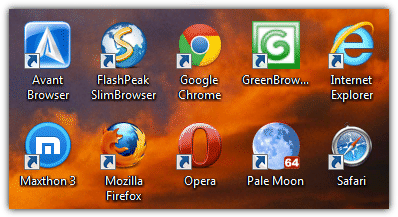
Luckily Firefox has improved since then and isn’t nearly so resource hungry, but it got me thinking about which web browsers around today are better or worse at consuming system resources. We’ve put together a RAM and CPU usage test with 10 websites loaded simultaneously on to 10 different popular web browsers; Avant Browser, FlashPeak SlimBrowser, Maxthon, Mozilla Firefox, Internet Explorer, Google Chrome, Opera, Green Browser, Apple Safari and finally Pale Moon.
All the browsers are the latest versions at the time of writing and no extensions or plug-ins were installed apart from Flash which was required for some of the websites. I used a quad core CPU reduced to a single core to better illustrate CPU usage. The operating system used was Windows 7 64-bit and the screenshots were taken when all 10 websites are fully loaded and left to settle for 10 seconds or so. Each tabbed site was then visited in turn and the maximum CPU usage was noted.
Do bear in mind that this is NOT an exhaustive test and was done simply to demonstrate the resources taken up by each browser when visiting a number of common websites with multiple tabs open. The 10 websites chosen are simply a selection of pages the average person might visit during their browsing session. They are:
- Raymond.cc
- Ebay
- Microsoft
- Tom’s Hardware
- YouTube
- Softpedia
- MSN
- Wikipedia
- Google News Technology page
- Steam
Below are the results of the CPU and Memory usage test for all 10 browsers. If you’d prefer to look at the results summary and table, they can be found on Page 2.
1. Apple Safari 5.1.7
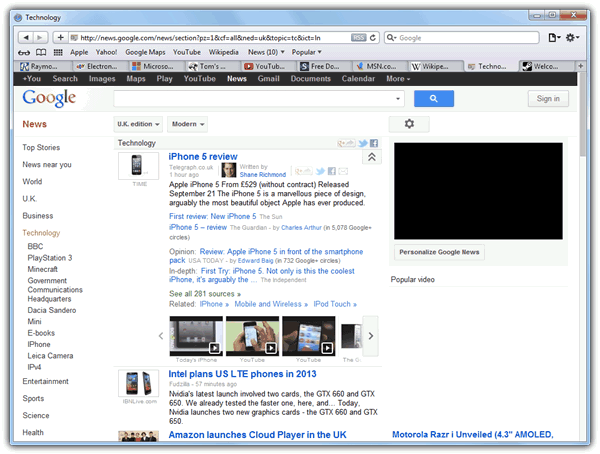
Time to load all 10 pages: 25 seconds
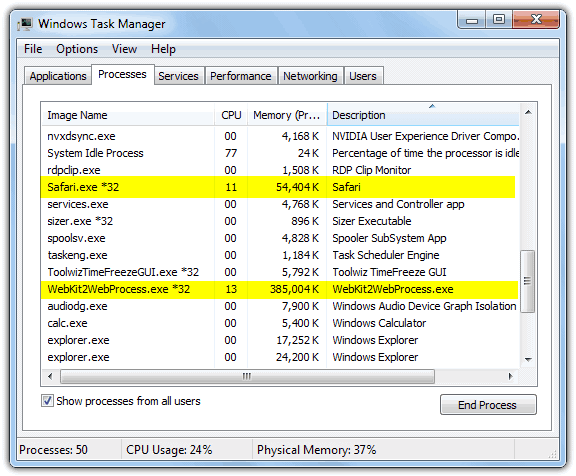
CPU Usage: Rarely dropped to 0% and hovered between 5% and 20%, peaked at 66% during animation.
Memory Usage: 429MB
Loaded Processes: 2
2. Avant Browser Ultimate 2012 b181
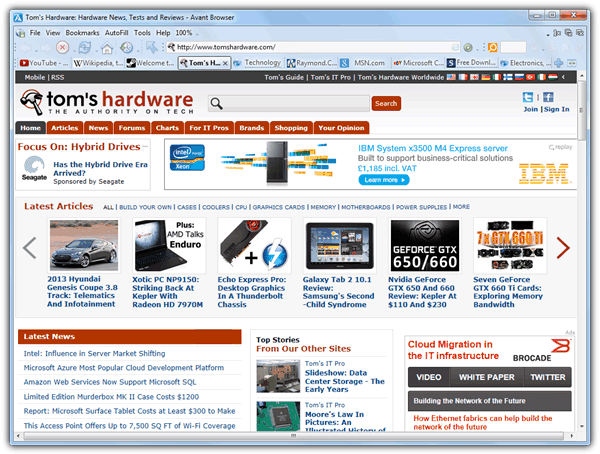
Avant Ultimate can use 3 different rendering engines, IE9, Chrome and Firefox. Here’s the result for all 3:
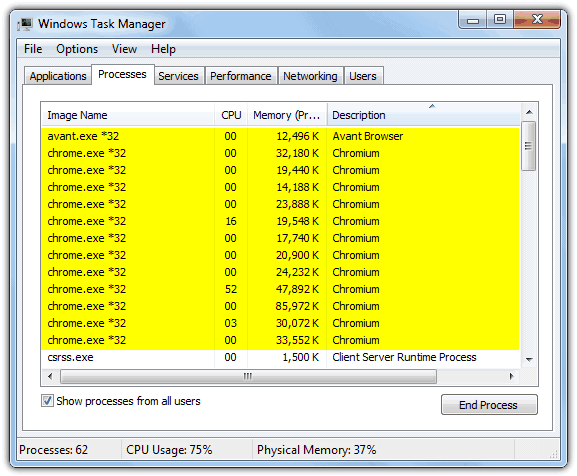
Chrome Engine
Time to load all 10 pages: 17 seconds
CPU Usage: Rarely dropped to 0% and hovered between 5% and 25%, peaked at 90% during animation.
Memory Usage: 373MB
Loaded Processes: 13
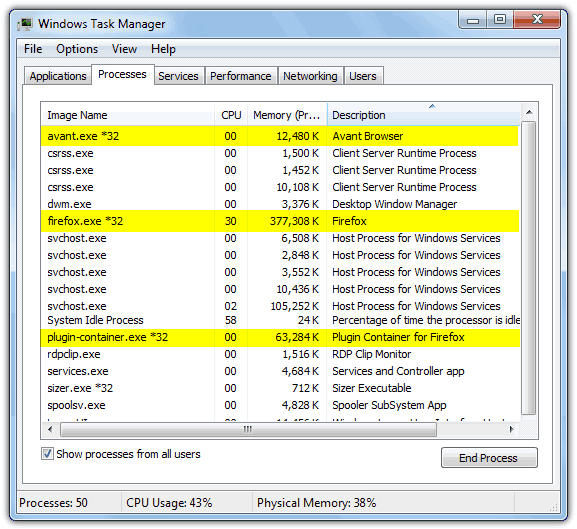
Firefox Engine
Time to load all 10 pages: 19 seconds
CPU Usage: Rarely dropped to 0% and hovered between 2% and 10%, peaked at 81% during animation.
Memory Usage: 442MB
Loaded Processes: 3
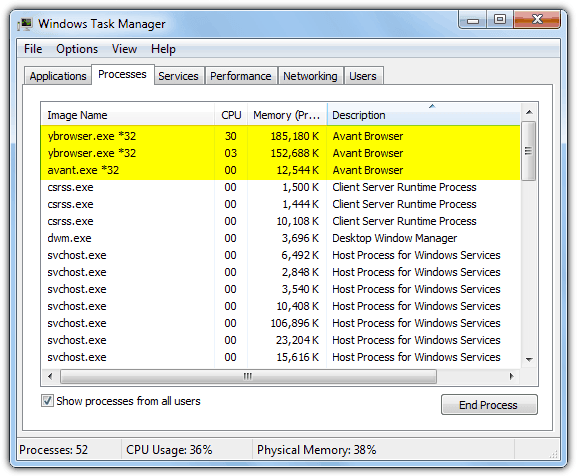
Internet Explorer 9 Standard Engine
Time to load all 10 pages: 13 seconds
CPU Usage: Mostly between 0% and 10%, peaked at 71% during Flash animation.
Memory Usage: 342MB
Loaded Processes: 3
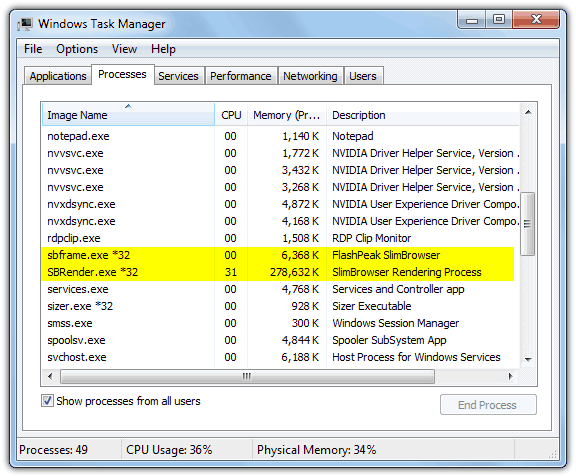
3. Flashpeak Slim Browser 6.01

Time to load all 10 pages: 13 seconds
CPU Usage: Mostly between 0% and 10%, peaked at 52% during Flash animation.
Memory Usage: 278MB
Loaded Processes: 2
Download FlashPeak SlimBrowser
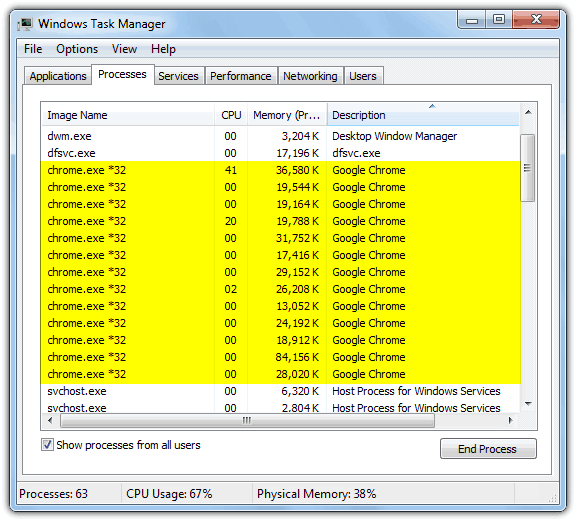
4. Google Chrome 21.0.1180
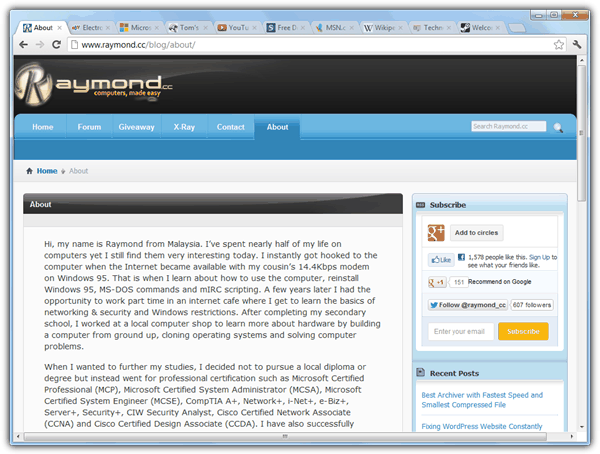
Time to load all 10 pages: 12 seconds
CPU Usage: Mostly between 0% and 10%, peaked at 80% during Flash animation.
Memory Usage: 370MB
Loaded Processes: 13
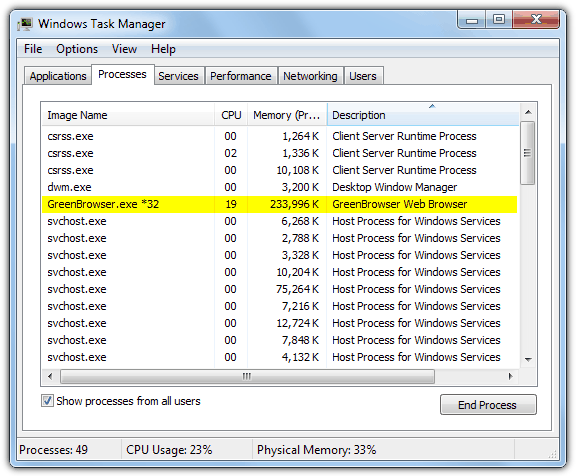
5. Green Browser 6.3
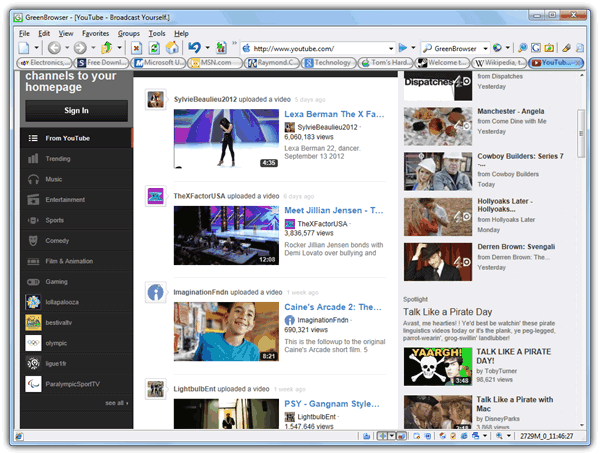
Time to load all 10 pages: 11 seconds
CPU Usage: Mostly between 0% and 5%, peaked at 30% during Flash animation.
Memory Usage: 228MB
Loaded Processes: 1



Improve this guide

User forum
0 messages