2 Ways to Automatically Download Multiple Videos from TED.com
If you haven’t heard of TED.com, it is a website where you can view over 2,100 inspirational videos for free. Some of the well known speakers featured in TED.com videos are Bill Clinton, Al Gore, Bill Gates, Larry Brown, Sergey Brin, Steve Jobs and many more that talk about topics on technology, science, global issues, business and even entertainment. The good thing about TED.com is they don’t restrict you in viewing or even downloading the videos for offline viewing.
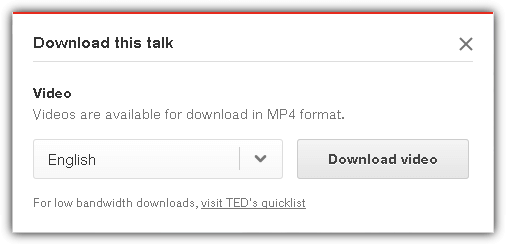
On every page that you can stream the videos, there is a download button located at the right hand side and clicking on it will show a small popup allowing you to choose the subtitles for the video that you want to download. The videos offered to download on that page will be in MP4 format at 480p. If you prefer to download the videos at a lower quality that is smaller in file size, you can visit the TED’s quicklist where you can download medium or low quality videos.
If you find the videos at TED.com very interesting and would like to download all of them for offline viewing or to share with your family, friends or colleagues, it would be a real challenge to do it manually as there are over 2,000 videos. In this article we’ll show you 2 different ways on how to automatically download multiple or even all of the videos from TED.com with just a few mouse clicks.
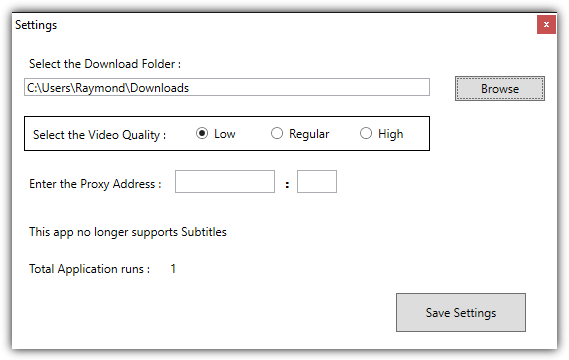
1. TEDinatorTEDinator (also known as TED downloader) is a portable freeware tool created by Obin Shah that allows you to easily download multiple or all videos from TED.com. Running the program the first time will open the Settings window for you to choose the folder where you want the downloaded videos to be saved. Optionally, you can also choose the video quality to download which is either Low, Regular or High. Unfortunately TEDinator no longer supports downloading subtitles.
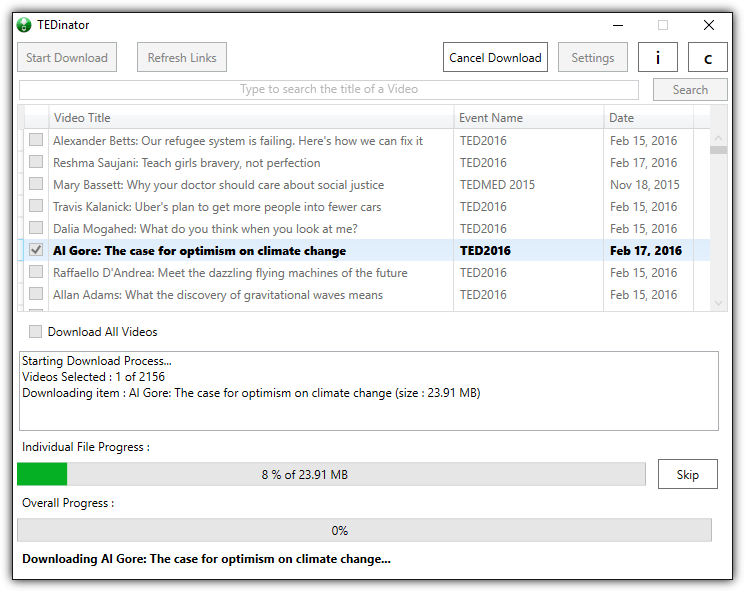
Each time you run TEDinator, it will automatically grab a list of the latest available videos from the TED website. This action is similar to clicking the “Refresh Links” button located at the top of the application. To download all videos from TED.com, simply tick the “Download All Videos” checkbox followed by clicking the Start Download button.
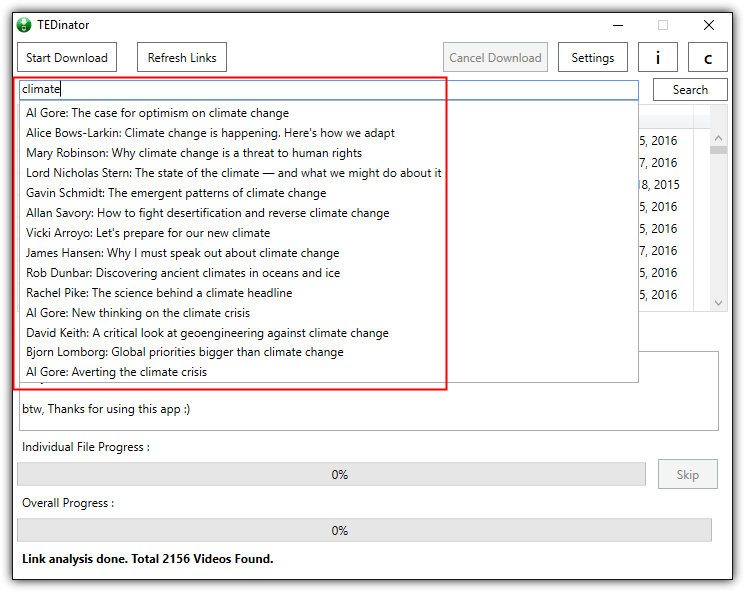
The search bar located at the top of the program is very useful to search for videos based on your keyword. It can also search for the speaker’s name because it is part of the video title. Below is a screenshot of an example using TEDinator to search for videos that has got to do with the keyword “climate”.
Do take note that the download page at the link below shows multiple versions of TEDinator. Ensure that you get the latest version for stable and trouble free downloading. The ZIP file is password protected and the current password to extract TEDinator from the archive is ObinShah. If the password doesn’t work, simply download the text file and follow the instructions.
2. Metalink created with metaTED
There is a ready made metalink file containing links to every video on TED.com which can be directly imported into a metalink supported download manager such as JDownloader, Free Download Manager, DownThemAll, FlashGot, Orbit Downloader and etc for batch downloading. Basically metalink is just a text file in XML format that can be edited with a text editor. You will find information such as the names of the speakers, description of the video, tags, filename and the direct link to download the video.

To download all TED.com videos using metalinks, first visit the webpage from the link at the end of this article, choose one of the supported subtitle languages, and then you’ll be presented with a few hyperlinks with different groupings and video qualities. For example, if you want to download TED talks with English subtitles encoded in low quality, then click at the first link to download the metalink file.
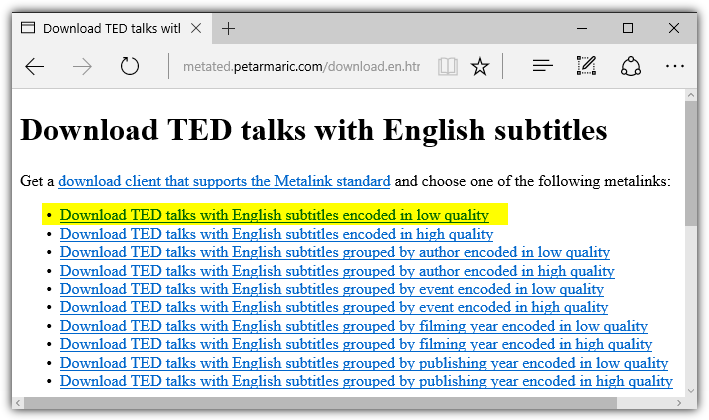
After you’ve finished downloading the .metalink file, you’ll need to either import the .metalink file into your download manager program, or simply run the file if the download manager has already associated .metalink file format with the application. Your download manager should automatically import all the links to download.
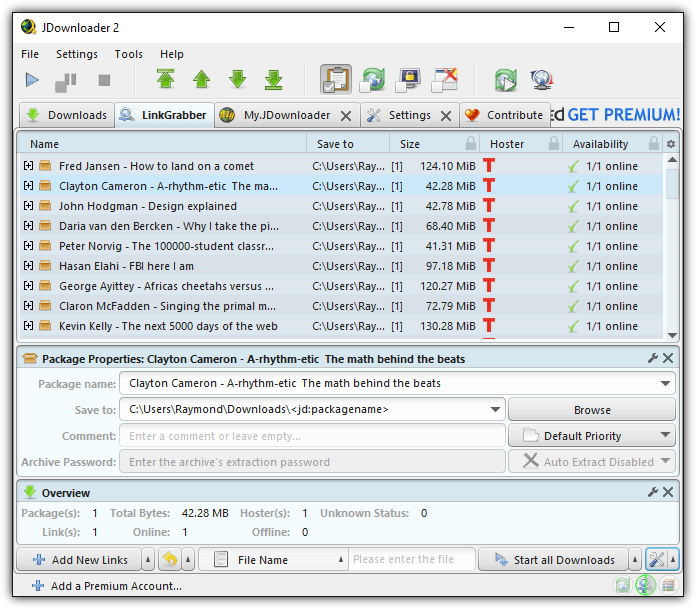
Do take note that you should use a memory efficient download manager because you’ll be loading over 2000 links to the program and a slow computer may not be able to handle the process causing the program to hang. Below is an example of JDownloader automatically parsing and loading the TED.com download links from the metalink file.





Great post! This is really worth sharing. I’ve tried a lot of tools to download TEd videos, like viodehunt.net. But, I didn’t know that there also other tools that I can use. Thank you so much!
Yes, videohunt.net is a great online tool.
Thanks for the info Raymond. :-)
Good as always. (Spec. the step by step guides)